

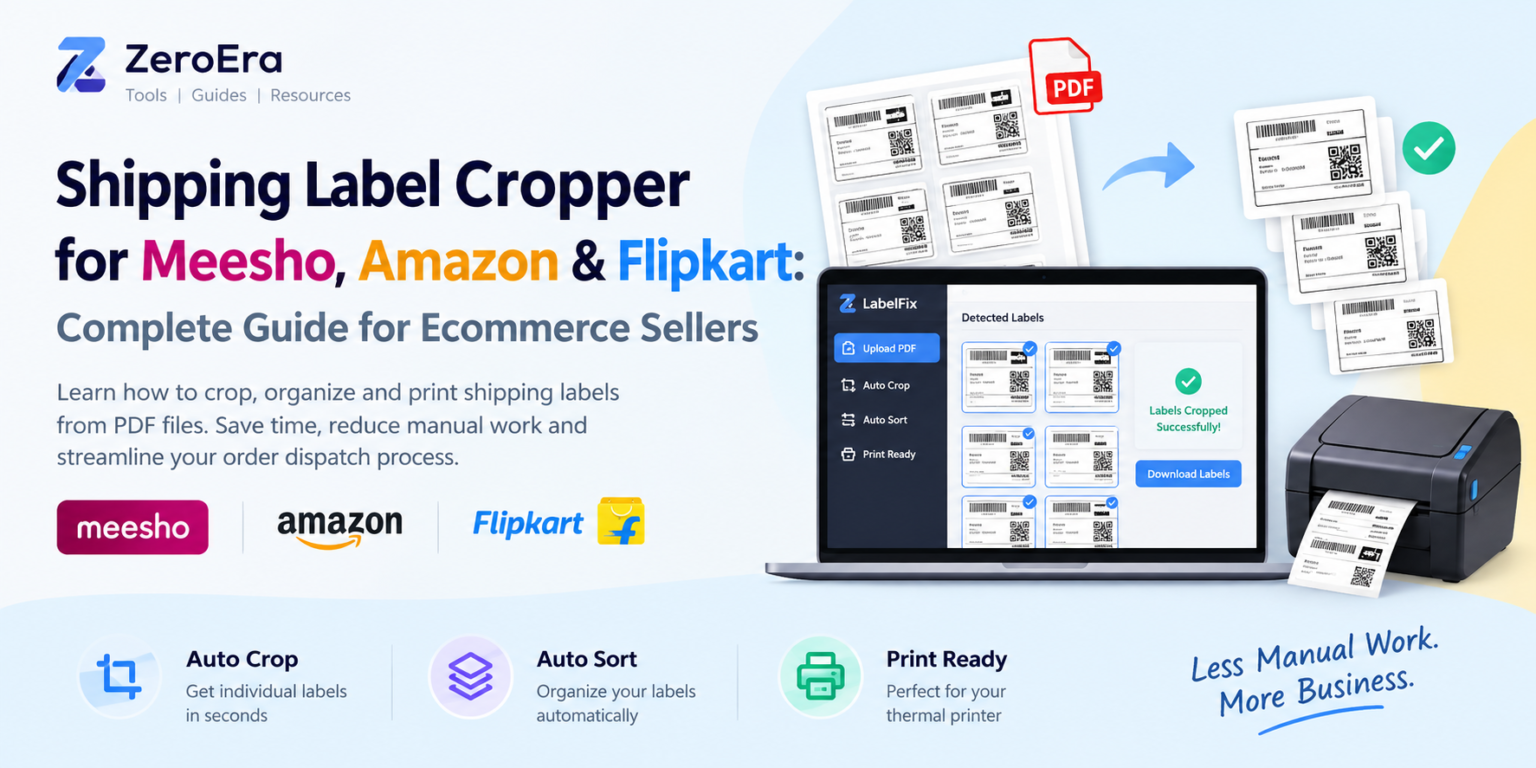
Running an ecommerce business involves much more than uploading products and receiving orders. Once an order is placed, sellers have to manage packaging, invoices, shipping labels, dispatch and returns.
One of the repetitive tasks many marketplace sellers deal with is preparing shipping labels from PDF files.
Whether you sell through Meesho, Amazon, Flipkart or multiple marketplaces, handling a large number of shipping labels manually can become time-consuming.
A shipping label cropper can simplify this process by helping sellers separate labels from PDFs and prepare them for printing.
In this guide, we will explain what a shipping label cropper is, why ecommerce sellers use one, how marketplace labels can be processed and what to consider before printing shipping labels.
What Is a Shipping Label Cropper?
A shipping label cropper is a tool that helps extract or crop individual shipping labels from a PDF or other document.
For example, a seller may receive a PDF containing multiple shipping labels. Instead of manually opening the document and cropping each label one by one, a label cropper can automate part of this repetitive process.
The goal is simple:
PDF → Individual Labels → Organized Labels → Printing
This can be particularly useful for sellers who process multiple orders every day.
Why Do Ecommerce Sellers Need a Label Cropper?
For a small number of orders, manually handling shipping labels may not be a major issue.
However, ecommerce sellers often process dozens or even hundreds of orders. Repeating the same PDF operations for every batch can take considerable time.
A typical manual workflow may look like this:
- Download the shipping-label PDF.
- Open it in a PDF editor.
- Find each individual label.
- Crop the label.
- Save the cropped file.
- Repeat the process for other labels.
- Organize the files.
- Open the files for printing.
When repeated every day, these steps become unnecessary operational work.
A dedicated PDF label cropper can reduce the number of manual steps involved in this process.
Meesho Label Cropper
Meesho is widely used by sellers and resellers who manage orders through an online marketplace.
After receiving orders, sellers may need to download and process shipping documents before packaging and dispatch.
A Meesho label cropper can be useful when multiple labels are provided together in a PDF and the seller needs to separate them for printing.
Instead of manually cropping every label, an automated workflow can help process the document more efficiently.
Common Meesho label-related searches
Sellers looking for solutions may search for terms such as:
- Meesho label cropper
- Meesho shipping label cropper
- Meesho label PDF cropper
- Meesho shipping label printing
- Meesho label printing
- crop Meesho shipping label
- Meesho thermal printer label
- Meesho 4x6 label
The exact document layout can change, so sellers should always check the processed labels before dispatch.
Amazon Shipping Label Cropper
Amazon sellers may also need to process shipping-related documents as part of their order-fulfillment workflow.
Depending on the selling and fulfillment method, sellers can encounter different document and label formats.
A shipping label cropper for Amazon can help when the required labels are contained within a larger PDF and need to be separated or prepared for printing.
Common searches include:
- Amazon shipping label cropper
- Amazon label cropper
- Amazon shipping label PDF
- Amazon label PDF cropper
- Amazon shipping label printing
- Amazon thermal shipping label
- Amazon 4x6 shipping label
- crop Amazon shipping label
The important thing is to verify the label dimensions and information before printing.
Flipkart Label Cropper
Flipkart sellers also deal with shipping and order-processing documents.
When multiple labels are contained in a document, manually extracting each one can become repetitive.
A Flipkart label cropper can help sellers process supported label PDFs more efficiently.
Common searches around this problem include:
- Flipkart label cropper
- Flipkart shipping label cropper
- Flipkart label PDF cropper
- Flipkart shipping label printing
- Flipkart shipping label PDF
- Flipkart thermal label
- Flipkart 4x6 shipping label
- crop Flipkart shipping label
As with other marketplaces, the actual document format should be checked before relying on automated cropping.
What Is a 4x6 Shipping Label?
Many ecommerce and logistics businesses use thermal printers for shipping labels.
One commonly used format is 4 × 6 inches, particularly with thermal label printers.
A 4x6 shipping label is approximately:
4 inches × 6 inches
The exact printing requirements depend on the marketplace, courier, printer and label format.
If your printer uses 4x6 thermal labels, the shipping document needs to be prepared correctly so that important information such as the barcode, address and order details remain readable.
Incorrect scaling can cause problems during scanning or packaging.
Why Thermal Printers Are Popular for Ecommerce Sellers
Thermal printers can be convenient for businesses that print a large number of shipping labels.
Unlike traditional inkjet printing, direct thermal printers generally use heat-sensitive labels rather than liquid ink.
For sellers processing many orders, this can make label printing a dedicated part of their packing workflow.
However, the printer itself is only one part of the process.
The label PDF must also be correctly prepared.
This is where a shipping label PDF cropper can be useful.
How to Crop Shipping Labels From a PDF
There are several ways to crop shipping labels.
Method 1: Manual PDF Editing
The simplest approach is to use a PDF editor.
You can open the PDF, select the area containing the shipping label and crop it manually.
This works when you have only a few labels.
The disadvantage is that the process becomes repetitive with larger batches.
Method 2: Screenshot-Based Cropping
Another method is to open the PDF and capture each label as an image.
The image can then be cropped and printed.
Although this may work for occasional use, it introduces additional steps and can potentially affect image quality.
Method 3: Automated Label Cropping
A dedicated label-cropping tool can automate the repetitive parts of the process.
Instead of manually selecting the same areas again and again, the tool can detect and process supported label layouts.
This is particularly useful when sellers regularly process large PDF batches.
LabelFix: A Shipping Label Tool for Ecommerce Sellers
For sellers looking for a simpler workflow, LabelFix is a Chrome extension focused on ecommerce shipping-label processing.
The idea behind LabelFix is to reduce repetitive work involved in preparing marketplace labels.
Its workflow focuses on three main functions:
Auto Crop
Automatically crop supported shipping labels instead of manually selecting each label.
Auto Sort
Organize processed labels so that sellers do not have to manually arrange every cropped label.
Print Ready
Prepare the processed labels for the next step: printing.
The extension is designed around ecommerce sellers who regularly work with shipping-label PDFs.
It can be especially useful for sellers working across multiple marketplaces rather than limiting the workflow to one platform.
Manual Cropping vs Automated Label Processing
| Task | Manual Method | Automated Tool |
|---|---|---|
| Open PDF | Required | Required |
| Select each label | Manual | Automated for supported formats |
| Crop individual labels | Repeated | Automated |
| Organize labels | Manual | Automated workflow |
| Process large batches | Time-consuming | More efficient |
| Prepare for printing | Manual | Print-focused workflow |
Automation does not eliminate the need to verify documents.
Before dispatching an order, sellers should check that the recipient information, barcode, order details and other important information are correctly displayed.
How to Make Shipping Label Printing More Efficient
A good label-printing workflow should be simple and repeatable.
Here are some practical steps ecommerce sellers can follow.
1. Keep Your Label Files Organized
Avoid storing hundreds of shipping-label PDFs in random folders.
Use a simple folder structure based on date, marketplace or order batch.
2. Use the Correct Printer Size
If you are using a thermal printer, make sure the document is configured for the appropriate label size.
For example, a 4x6 printer should use a compatible 4x6 label setup.
3. Check Print Scaling
Incorrect scaling can make barcodes or addresses too small or cut off.
Before printing a large batch, test a small number of labels.
4. Verify Barcodes
A shipping label is not useful if its barcode cannot be scanned properly.
Always inspect the printed result before processing a large batch.
5. Reduce Repetitive PDF Work
If you are manually cropping every shipping label, consider using a dedicated shipping label cropper to simplify the workflow.
Can One Tool Work With Meesho, Amazon and Flipkart?
This depends on how the tool handles each marketplace's document format.
Meesho, Amazon and Flipkart may use different layouts or document structures, so a tool should not automatically be assumed to support every format.
For sellers working across marketplaces, the useful approach is to choose a tool that supports the label formats they actually receive.
This is also why previewing processed labels is important.
A seller should verify the output before printing and dispatching an order.
Benefits of Using a Shipping Label Cropper
A label cropper can provide several practical benefits for ecommerce operations.
Saves Repetitive Work
The biggest benefit is reducing manual cropping.
Helps With Batch Processing
Processing multiple labels together can be more convenient than editing every label individually.
Simplifies Printing
Prepared labels can be moved into the printing workflow more easily.
Reduces PDF Management
Sellers do not necessarily need to repeatedly open a PDF editor for simple cropping tasks.
Useful for Multi-Marketplace Sellers
Sellers managing orders across different marketplaces can benefit from having a dedicated label-processing workflow.
Who Should Use a Shipping Label Cropper?
A shipping label cropper can be useful for:
- Meesho sellers
- Amazon sellers
- Flipkart sellers
- Online resellers
- Home-based ecommerce businesses
- Marketplace sellers
- Small online brands
- Ecommerce packing teams
- Sellers using thermal printers
- Businesses processing high-volume orders
If you print only a few labels per week, manual processing may be enough.
If you process shipping labels every day, automation can become much more useful.
Frequently Asked Questions
What is the best way to crop shipping labels from PDF?
For a small number of labels, manual PDF cropping can work. For larger batches, a dedicated shipping label cropper can reduce repetitive work.
Is there a Meesho label cropper?
Yes, sellers can use dedicated tools designed to process supported Meesho shipping-label PDFs.
Can Amazon shipping labels be cropped?
Yes, shipping-label PDFs can be cropped using PDF editing tools or dedicated label-cropping software, provided the document format is supported.
Can Flipkart shipping labels be cropped?
Yes. Sellers can manually crop or use an automated tool for supported Flipkart shipping-label formats.
What is a 4x6 shipping label?
A 4x6 shipping label is a label measuring approximately four inches by six inches and is commonly used with compatible thermal printers.
Can I print shipping labels on a thermal printer?
Yes, provided the label dimensions and printer settings are compatible with the shipping label format.
How do I crop multiple shipping labels at once?
A batch-oriented shipping label cropper can process multiple labels from a supported PDF, reducing the need to crop each label individually.
Final Thoughts
Shipping labels may look like a small part of ecommerce operations, but sellers who process many orders know how repetitive the task can become.
Manually opening PDFs, cropping labels, organizing files and preparing them for printing can take unnecessary time.
A dedicated shipping label cropper provides a simpler way to handle this part of the order-fulfillment workflow.
Whether you sell through Meesho, Amazon, Flipkart or multiple ecommerce marketplaces, the right label-processing workflow can make daily packing operations more organized.
Tools such as LabelFix are built around this specific problem, with features such as Auto Crop, Auto Sort and Print Ready for supported shipping-label workflows.
Before printing or dispatching any order, always verify the final label, barcode, address and order information.
For ecommerce sellers, the objective is simple: spend less time on repetitive PDF processing and more time running the business.